
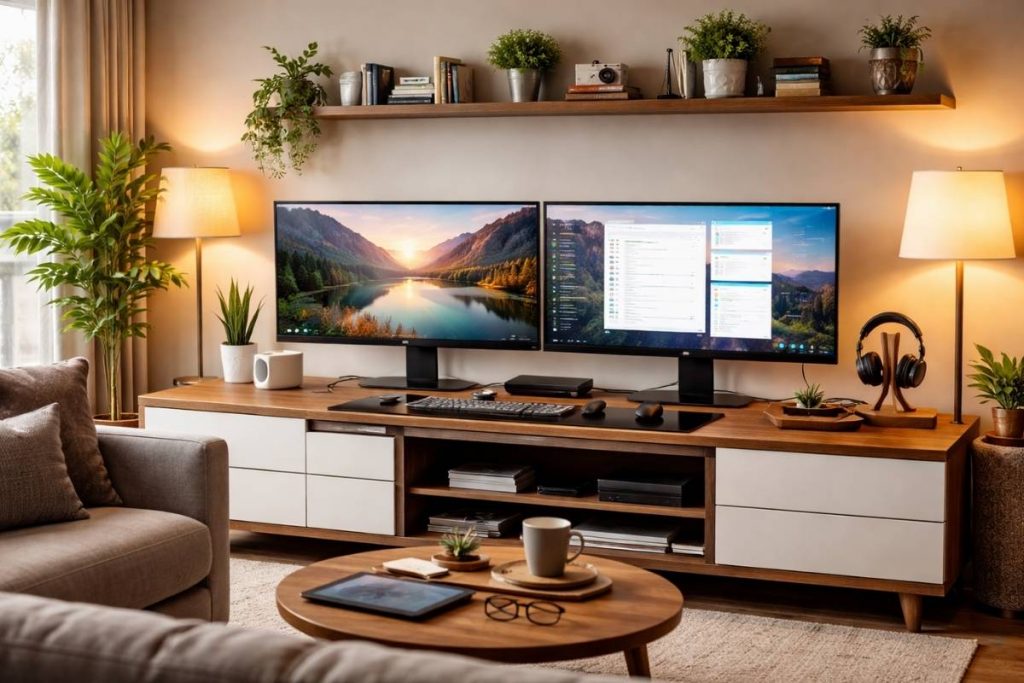
Working from home does not always mean having a dedicated office. Many people build their workspace directly in the living room, where the challenge is balancing productivity with a comfortable and stylish interior.
A dual monitor setup can dramatically improve workflow while still fitting into a living room environment. When designed carefully, it can feel integrated into the space rather than looking like a traditional office desk.
The goal is to create a setup that supports focus while maintaining the relaxed atmosphere of a living room.
Table of Contents
Why Dual Monitors Work Well in a Living Room Workspace
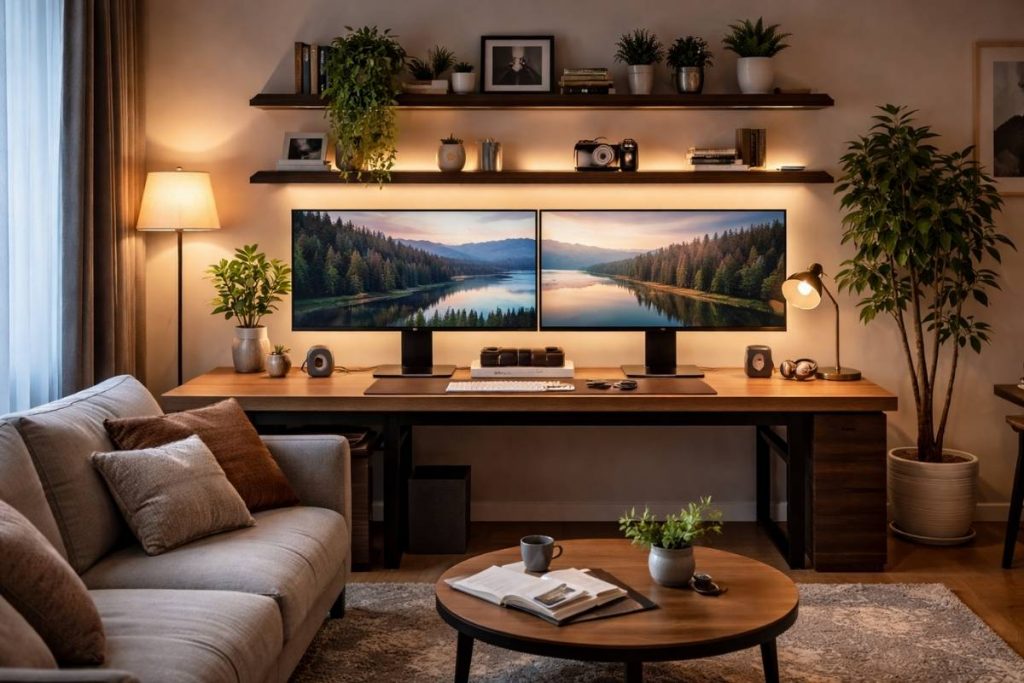
Using two monitors can significantly improve productivity. Tasks like writing, research, editing, or managing multiple windows become easier when each screen has a clear purpose.
Instead of constantly switching between tabs, a dual monitor setup allows one screen to display your main task while the other supports additional information.
For living room workspaces, the key is designing the setup so that it feels clean and organized rather than overwhelming the room.
Choosing the Right Desk Position
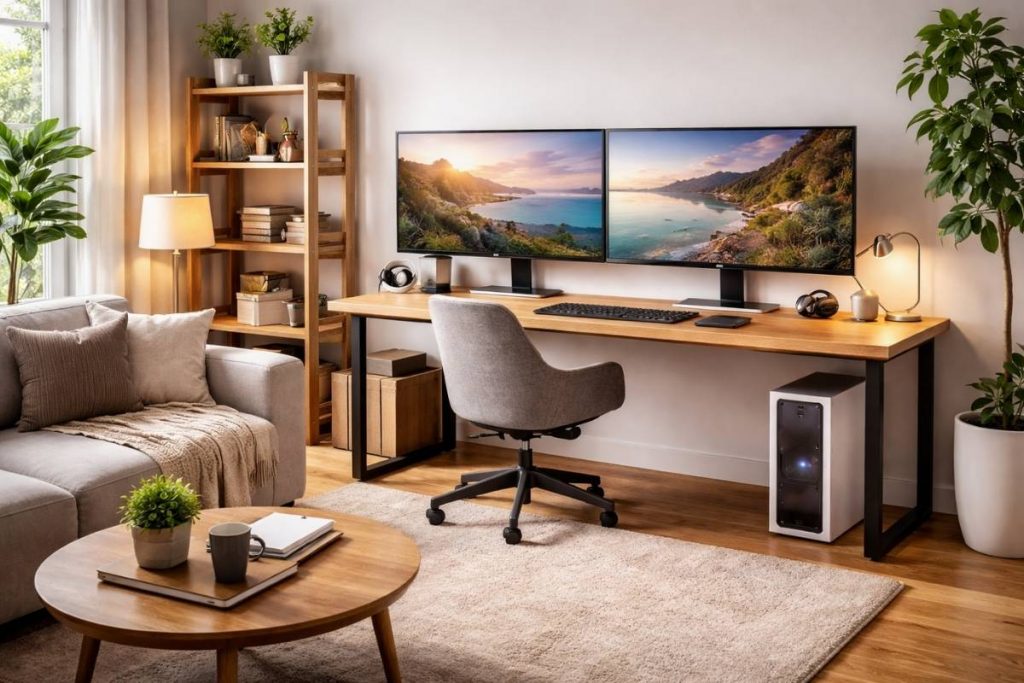
Placement is one of the most important elements when building a workspace inside a living room.
A desk that faces a wall or sits near natural light often feels less intrusive in the room. When positioned thoughtfully, the workspace becomes a natural extension of the living area instead of dominating it.
Many living room setups work best when the desk is placed near a window or integrated with existing furniture.
Keeping the Setup Visually Minimal
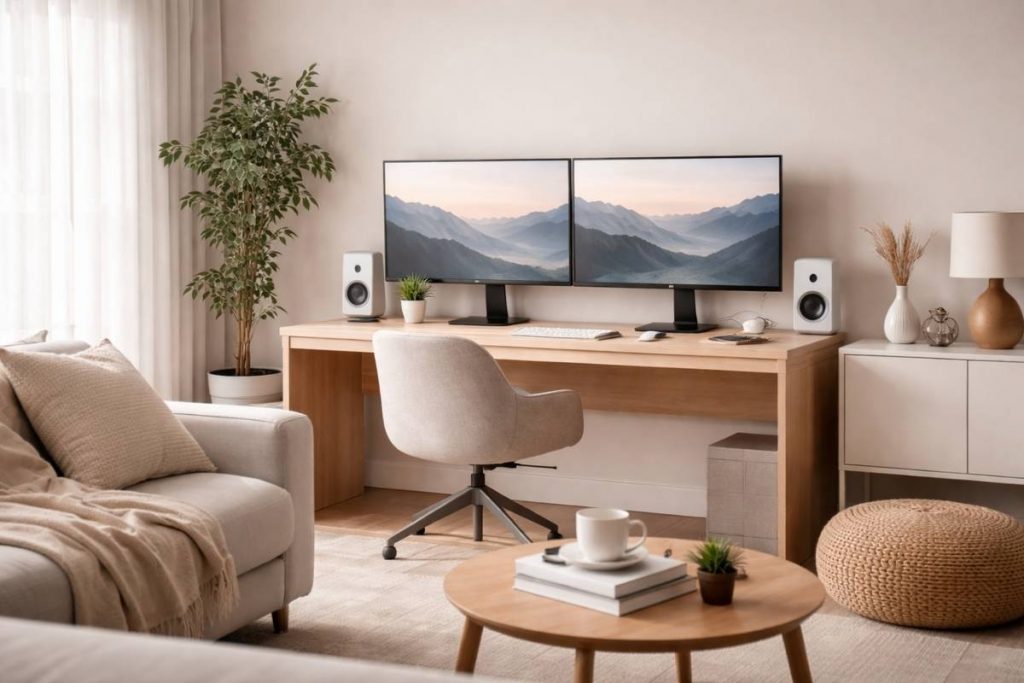
Two monitors can easily make a space feel cluttered if the surrounding desk area becomes too busy.
Minimal setups often use simple desk surfaces, neutral colors, and a limited number of objects. Keeping cables organized and leaving empty space around the monitors helps the setup feel lighter and more intentional.
When the workspace is visually calm, it blends more naturally with the living room environment.
Balancing Technology With Interior Design
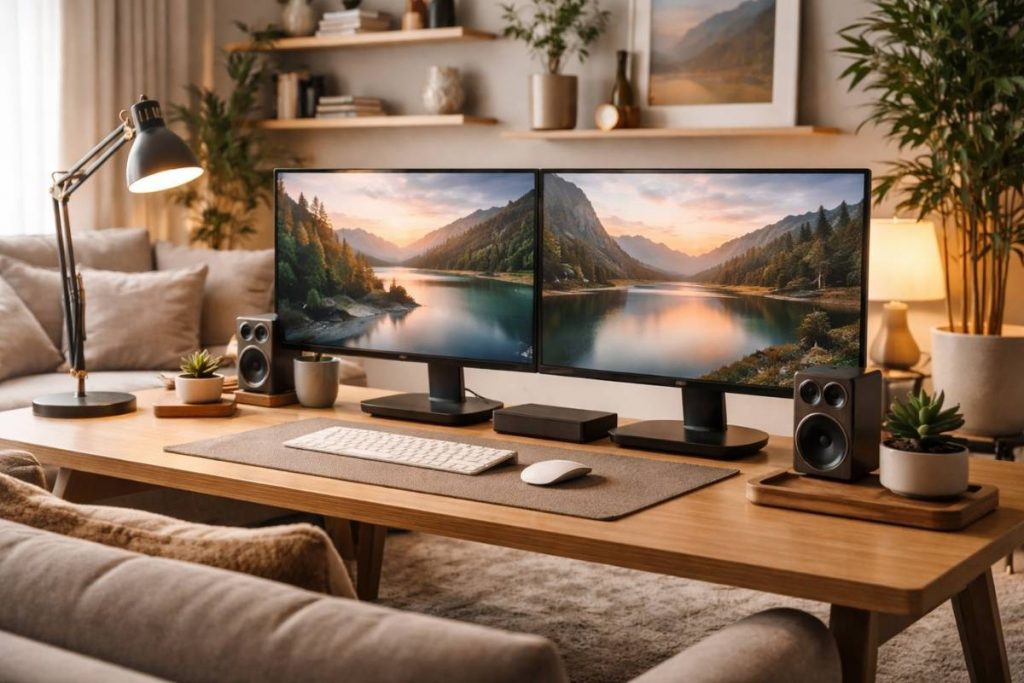
A dual monitor workspace does not need to look overly technical. When paired with warm lighting, natural materials, or subtle decor elements, the setup can feel surprisingly harmonious in a living room.
Small design choices such as plants, wooden surfaces, or soft lighting can help balance the technology and make the workspace feel more integrated into the room.
This approach allows the living room to remain a relaxing environment while still supporting productivity.
Creating a Comfortable Daily Workspace
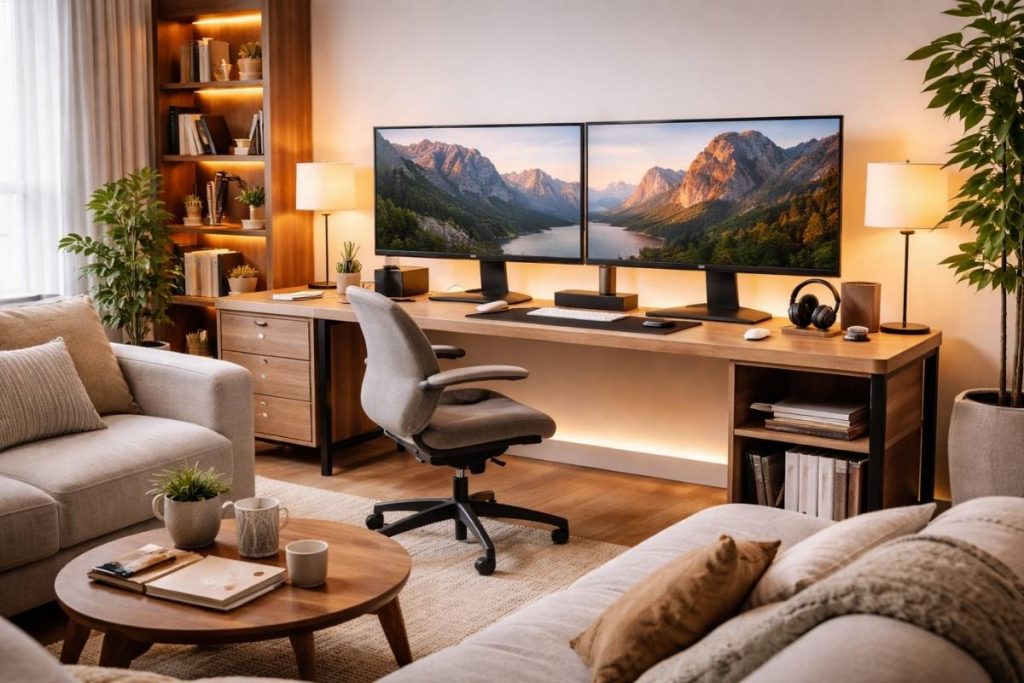
Comfort is essential for a setup that is used every day. Monitor height, desk layout, and seating position should support long work sessions without strain.
When screens are positioned at a natural viewing height and the desk layout remains organized, the entire workspace becomes easier to use.
A thoughtful setup often leads to better focus and a smoother workflow throughout the day.
The Essential Setup Behind Every Clean Dual Monitor Workspace
Most dual monitor setups fail for one simple reason:
they focus on looks — but ignore functionality.
A setup only feels clean and productive when the right core elements are in place.
These are the essentials that actually make the difference:
Dual Monitor Arm (The Real Game Changer)
If you’re still using monitor stands, your setup will always feel limited.
A dual monitor arm:
• instantly frees up desk space
• aligns both screens perfectly
• creates a much cleaner visual line
This is what turns your setup from “okay” into intentional and structured
Soft Lighting (Focus Without Eye Strain)
Your setup already shows this well — but this is not just aesthetic.
Soft, indirect lighting:
• reduces eye fatigue
• creates a calm working atmosphere
• makes long sessions feel easier
Without good lighting, even a clean setup feels exhausting
Minimal Input Setup (Less Friction = More Flow)
Your keyboard + mouse setup should feel invisible.
That means:
• no clutter
• no unnecessary accessories
• clean, simple layout
The goal is not style — it’s effortless use
Cable Management (Where Most Setups Break)
This is the difference between:
• “looks good in photos”
vs
• “feels clean every day”
Keep cables:
• off the desk
• organized under the surface
• completely out of your visual focus
Visual noise = mental noise
Desk Space (Don’t Fill Everything)
Even with two monitors, your desk should never feel full.
You need:
• empty space
• clear zones
• breathing room
This is what creates that minimal, calm feeling
Optional Add-On (Only If It Solves a Problem)
Don’t add more just to “upgrade” your setup.
Only include:
• something that improves workflow
• or removes friction
Examples:
• laptop stand
• small shelf
• notebook area
If it doesn’t serve a purpose → remove it
If you want to build a setup like this without guessing what actually works,
it comes down to choosing the right essentials — not more equipment.
I’ve put together the exact setup pieces that create this kind of clean and functional workspace here:
→ Desk Essentials
Conclusion
A dual monitor setup can transform a small living room workspace into an efficient and comfortable environment. With the right balance of minimal design, thoughtful placement, and subtle interior details, the setup can enhance productivity without disrupting the overall atmosphere of the room.
When technology and interior design work together, the living room becomes a place that supports both relaxation and focus.